symfony-docker-installer v.2
Some time ago, for one of my courses, I made this installer so that students wouldn't waste time setting up a Symfony project in Docker. A lot has changed since then, and I've updated the installer: it's now fully automated and runs on make.
What has changed?
- A completely new installer — all the routine happens without your attention.
- The readme has a short guide.
- No extra steps are needed.
How to use it
-
Copy
.env.install.distto.env.install. SetPROJECT_NAMEand, if needed, other variables. -
Run:
make install-initEnter the Symfony version (or just press Enter to get the latest one). Specify the git repository for your new project (or press Enter if you don't need one).
Be careful: if you specify a repository that already contains data, it will be deleted!
-
The installer then does everything by itself.
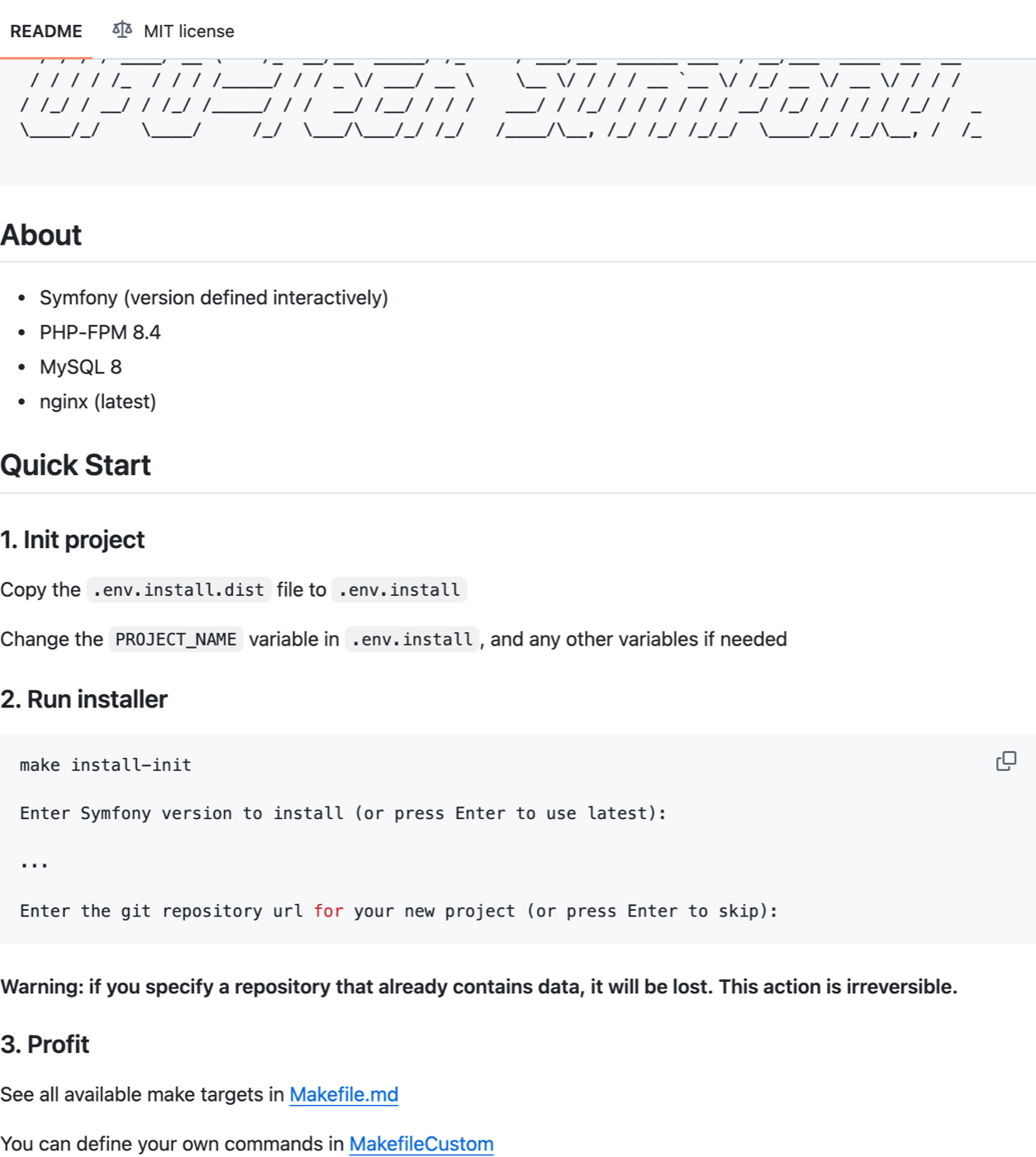
The repository README. Screenshot: GitHub
Why not just Symfony's standard Docker setup?
The answer is simple: this is exactly the setup we use in the course.
The make commands, the debugger, nginx — everything for work and sane development is already configured here.
Instead of explaining to everyone for the umpteenth time what to set up and how to get started, I just hand out a ready-made tool that works the way it should.
Outside the course you don't have to use it, but personally I use a similar setup in all my projects, because otherwise it's a waste of time on the same routine over and over.
First published in Ukrainian in the Telegram channel “Created to die” on July 23, 2025.